
Mastering Blender
From First Primitive to Production Pipeline
About this book
A complete, hands-on course in twelve chapters. Definitions first, then tools, then one guided project and five briefs per chapter. You finish able to model, sculpt, texture, light, rig, animate, simulate, build procedural systems, composite, and ship.
“The honest truth is this: knowing Blender is worth nothing until you finish something with it. The reader who closes this book and opens a tutorial instead is no better off than before. The reader who opens an empty file tonight and builds one small, slightly ugly object of their own choosing has already crossed the line that most people never cross. Be that second reader. Your first independent piece will be clumsy, but what separates artists is that they finish, look honestly at the result, and start the next one knowing something new. The method is the same every time: block large forms, judge silhouette before detail, light with intention, grade with restraint, and finish. That loop is not a beginner's discipline you outgrow, it is what the professionals are still doing on the biggest productions running today.”
— Syed Ahmed Ul Hassan, from the introduction
Owning the book unlocks its portal on the Hub: the Smart mentor, project evaluations with a graded report for all 72 projects, chapter-by-chapter progression, and the certificate.
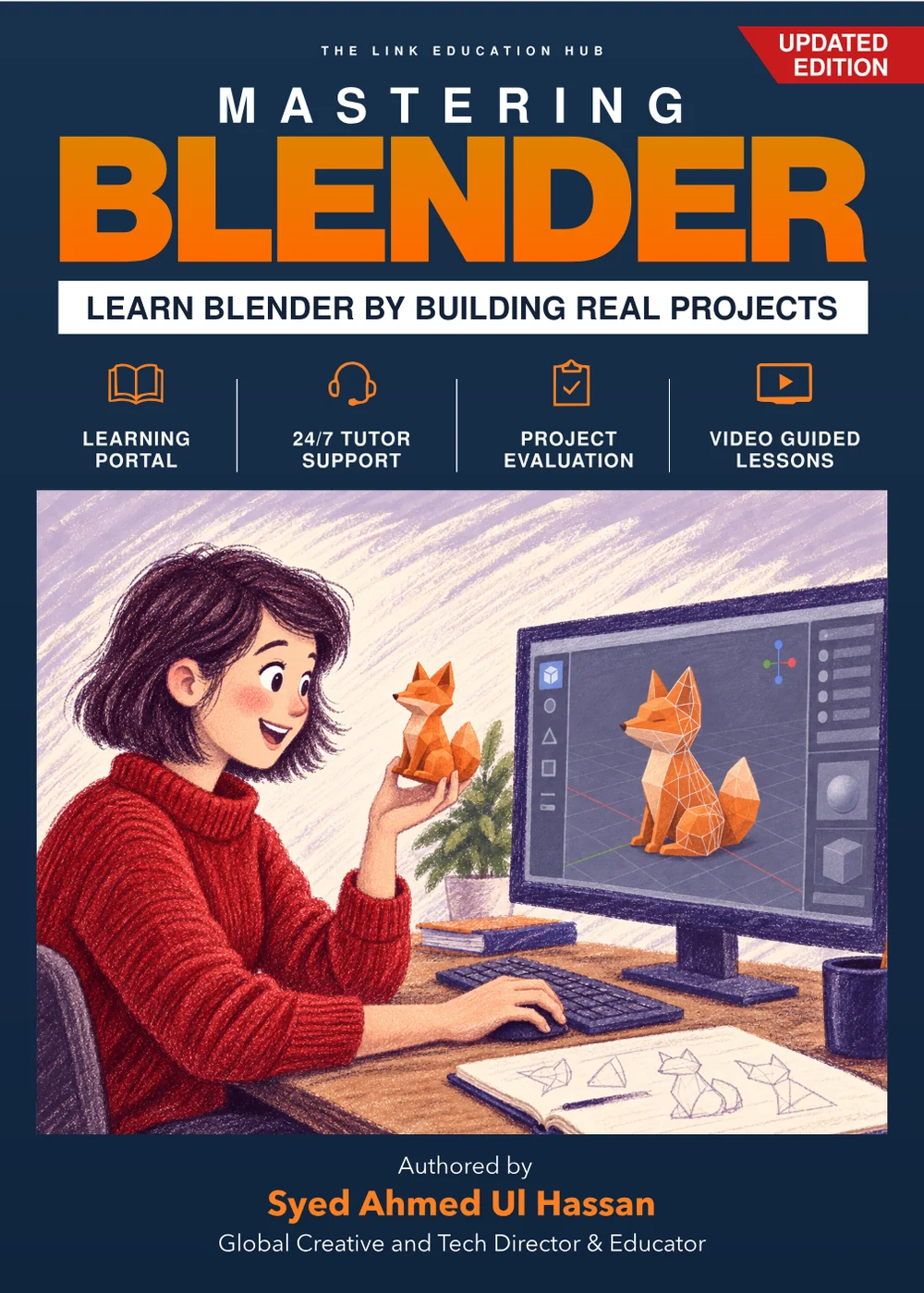
- The book PDF + project files, to download as soon as your payment is approved
- The complete 12-chapter course portal
- 24/7 tutor · 1,000 tokens included
- All 72 projects graded with reports
- Printable, verifiable certificate
Got a printed copy? Redeem its code instead
10% of this purchase ($1.50) goes to workshops and printed books for kids in Northern Pakistan.Not just a book. A complete system.
The complete book
All 12 chapters as a PDF, downloaded the moment you pay. Printed copies carry the same access code.
Project working files
Every project's working files come zipped with the book, so you build alongside the pages.
24/7 tutor, for life
A tutor that knows every page and never sleeps. The Regular tutor is free forever; 1,000 Smart tokens are included for deep, personalised help.
Project assessments
Submit every project and get a graded report out of 10: what you nailed, what to fix, exactly how.
Progression + certificate
Chapters unlock as you finish real work, ending in a verifiable certificate signed by the author.
Meet the Author 1 on 1
Book a live 30-minute Zoom session for career counselling or portfolio review whenever you need it.
By the last chapter, you will…
Why this skill, why right now
- Blender is free and industry-accepted, so your only investment is skill, not software licences
- Games, film, advertising, architecture and product brands all buy 3D work every single day
- Studios and agencies across the UAE, Saudi Arabia and South Asia are hiring 3D artists faster than they can find them
- Freelance 3D artists sell renders, product visuals and game assets from home, in any currency
- Real-time 3D is spreading into e-commerce, education, simulation and virtual production, and every one of those needs artists
- AI speeds up rendering and cleanup but still cannot art-direct, compose or finish, the artist who commands both wins
- The author builds AI-driven campaigns for global brands, and this book teaches 3D the way that future actually works
- Skills stack: modeling today, Geometry Nodes tomorrow, technical art direction in five years
Read a full chapter, free
No signup needed. This is a complete chapter exactly as it appears in the book, layout and all, with the kind of project you build at the end of every chapter. Learn it, then build it.
The guided project of Chapter 1 (Thinking in Three Dimensions). This chapter introduces the Blender interface, fundamental 3D navigation, and the core transformation tools: move, rotate, and scale. Students will learn to install the software, understand its key regions, and build their first complete scene using only primitive objects and basic transformations.
Owners submit this for a graded report out of 10, plus five practice briefs per chapter. Three submissions unlock the next chapter.
The 12 chapters
What readers told the author
“I had started Blender tutorials several times and always got lost somewhere in the interface. This book gave me a sensible order to follow. The small exercises helped, but finishing a project was what made the difference. My first scene is far from perfect, and I'm proud that I made it myself.”
“Shuru mein Blender mujhe kaafi mushkil lagta tha. Is kitaab mein bunyadi cheezein samjhane ke baad foran mashq karwai jaati hai, is liye sirf parhne ke bajaye kaam bhi hota rehta hai. Pehli baar mein ne apna aik mukammal scene banaya, aur ab naye tools aazmane se ghabrahat nahi hoti.”
In EnglishAt first Blender felt quite difficult to me. This book explains the basics and then puts you straight into practice, so instead of only reading, you are working too. For the first time I built a complete scene of my own, and now I am not nervous about trying new tools.
“Clear, practical, and easy to return to when I forget a step. I especially liked having projects to work toward instead of learning tools in isolation.”
“The early chapters took a little patience, which turned out to be exactly what I needed. Other courses had me making attractive renders without understanding how I got there. Here, I could see how modeling, materials, and lighting fit together. I still keep the book open beside Blender when I'm working.”
“The projects make the lessons much easier to remember, and the progression feels well thought out. I'd give it five stars with a printable shortcut sheet at the end; I kept writing my own notes for the keys I used most. Still a very useful guide.”
“I bought it to learn modeling and ended up enjoying the lighting chapters just as much. It feels like a book you work through, not one you only read.”
“What worked for me was the shift from following instructions to making choices on my own. The explanations gave me enough grounding to change a project without feeling I had broken it. That's when Blender started to feel less intimidating.”
“A good starting point if you want to make something and understand the process along the way. I'm already planning to redo one of the projects with my own design.”
From students on this book
No reviews yet. Reviews come only from students who own the book.